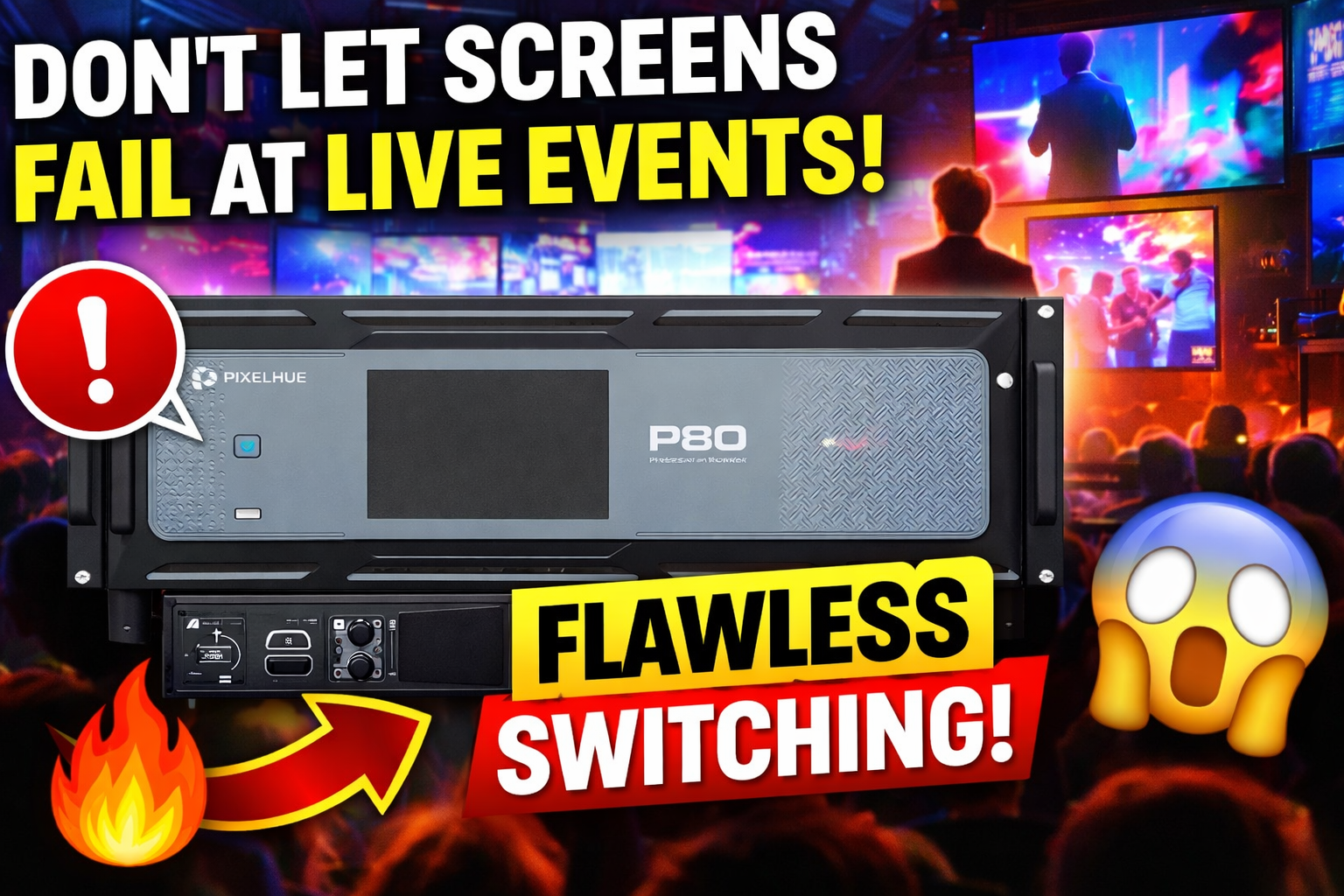
In live events, most problems don’t happen in rehearsal.
They happen when the room is full, the presenter is mid-sentence, and something changes without warning.
That is why video processing and switching is one of the most important parts of a show build. It is also one of the most overlooked until it fails.
Pixelhue is designed to solve those show site problems. Not in theory, but in real-world production conditions.
The real show site problem: screens are now mission critical
Years ago, screens were “nice to have.”
Now, screens are the event.
Keynote presentations depend on visuals
Sponsors expect branding to look premium
Awards nights run on graphics and playback
Touring shows rely on playback, cues, and clean switching
Multi-room events need stable routing and consistency
When screens fail, the event feels unprofessional immediately.
Problem #1: Switching between sources without drama
This is one of the most common stress points on show site.
You have multiple sources:
presenter laptops
playback machines
cameras
streaming feeds
backup devices
And the show needs clean changes between them.
Pixelhue helps manage source switching in a way that supports show conditions and cue-based operation, including control over sources, layers, and presets via its PixelFlow interface.
What this solves on site
fewer awkward delays while switching inputs
fewer surprises when a laptop changes resolution
smoother transitions during live show moments
Problem #2: Scaling and mapping content correctly (every time)
Scaling issues cause more problems than people admit.
You can have the best content in the world, but if it is:
stretched
cropped
letterboxed
mismatched
out of sync across screens
It looks wrong immediately.
Pixelhue systems are designed to manage screens, layers, sources and presets more stably and easily through PixelFlow.
What this solves on site
clean screen mapping workflows
fewer “why does it look different on screen 2?” moments
better results for corporate presenters and touring playback
Problem #3: Multi-screen and multi-output setups that stay consistent
Most events are not a single screen anymore.
A typical show might include:
main LED wall
side screens
confidence monitors
front-of-house monitors
overflow rooms
delay screens
That is a lot of points where things can go wrong.
Pixelhue processing and workflow design is focused on making multi-screen control practical and stable, including the ability to manage multiple devices and screens under one control environment.
What this solves on site
consistent outputs across multiple displays
fewer signal path workarounds
cleaner event execution
Problem #4: When video gets more “broadcast” than “event”
The line between live events and broadcast production is getting thinner.
More corporate clients now want:
broadcast-style switching
higher-end camera workflow
multi-feed distribution
redundancy
Pixelhue has been pushing into this direction as well, including solutions that support SMPTE ST 2110 for IP-based video workflows, with features like redundant input options aligned with SMPTE 2022-7.
What this solves on site
better integration into modern AV-over-IP workflows
more robust show infrastructure
more scalable control for large productions
Problem #5: The show needs to run fast, not “be configured”
Show days are tight.
The real pressure points are:
short load-ins
fast changes
last-minute content updates
presenters doing something unexpected
a client asking for “one more screen” after setup
This is why control systems matter.
Pixelhue’s ecosystem includes solutions like the U5 Pro event controller built for fast operations and show control, with a layout that supports live event workflows.
That matters because:
the control surface becomes your speed
the operator can work confidently under time pressure
Pixelhue is not “extra tech.” It reduces show risk.
A lot of event professionals only see switching and processing as “more gear.”
But in real production terms, it is risk reduction.
Pixelhue helps reduce:
switching issues
scaling problems
output inconsistencies
messy routing
delay while troubleshooting live
It improves:
show pace
stability
confidence in visuals
client perception
Pixelhue now available from Eagle AV Rental
At Eagle AV Rental, we added Pixelhue because we support events where screens are a core part of the production.
Pixelhue is now available as part of our rental offering to support:
stable processing
clean switching
reliable signal routing
multi-screen workflows
If you are planning an event and want help building the right video control system, we can help you spec the correct approach based on your screen count, sources, and show requirements.
Planning checklist (send us this to spec quickly)
To quote or build a Pixelhue package, send:
event date(s) and venue
number of screens and screen type (LED / projection / monitors)
number of sources (laptops, playback, cameras)
number of outputs required
whether you need overflow/delay distribution
whether it is being filmed or streamed